
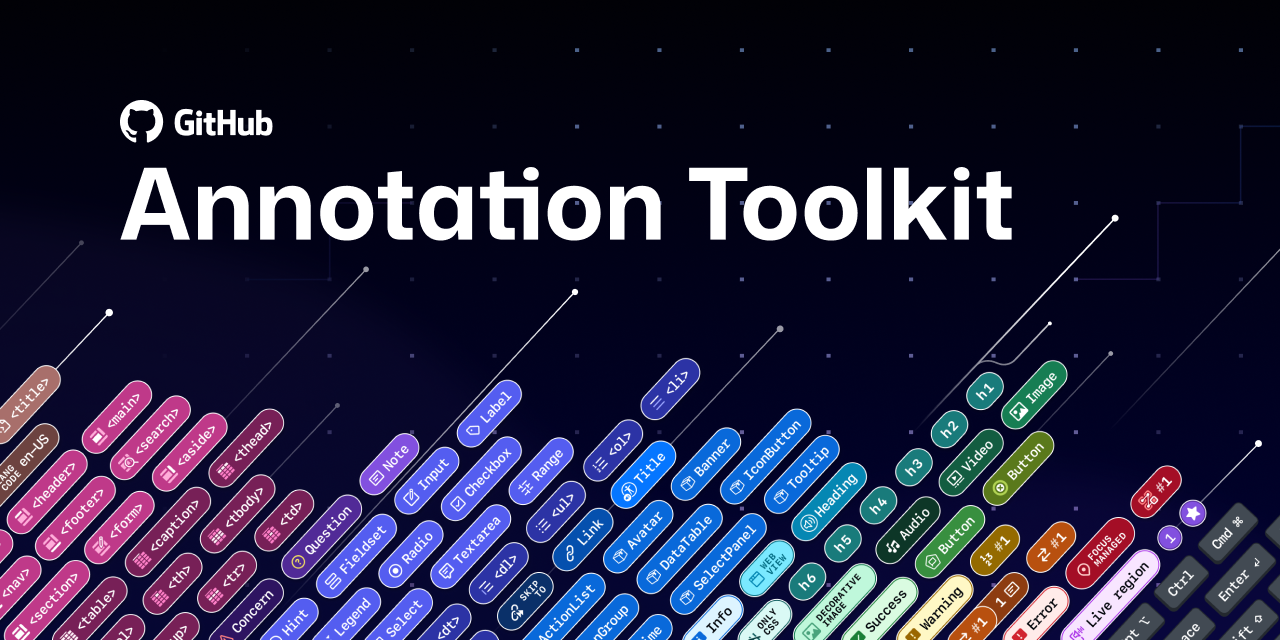
The GitHub Annotation Toolkit is a Figma asset library packed with components to help you organize your design canvas, diagram UI anatomy, and annotate accessibility details. Whether you’re a designer, developer, or product manager, this toolkit meets you where you are—you don’t need to be an accessibility expert. It’s flexible enough to document broad accessibility considerations or dig into the fine details of complex components.
Important
Tell us what you think! We would love your feedback and contributions to help improve the Annotation Toolkit, including any examples of how you’ve used or customized this library. Just open an issue in this repository. GitHub staff can reach out via Slack.

Annotations are notes included in design projects that help make the unseen explicit. They convey design intent that isn’t immediately obvious from visual elements alone, improving the usability of digital experiences by providing developers with a holistic picture of how an experience should function. Think of annotations as a visual aid for basic code semantics—they help show how designs should function under the hood.
When annotations are part of our design process, our teams work better together. They’re a collaboration tool that can help:
- Close communication gaps
- Prevent quality issues
- Avoid accessibility audit issues
- Eliminate expensive re-work
They can also be used in early design explorations or wireframes to validate functionality. If you find it difficult to annotate a wireframe, that’s often a sign that deeper thinking is needed about how the UI should work.
A paid Figma plan is recommended in order to use the components as an asset library.
This library file uses the Mona Sans and San Francisco font families.
The components in this library support web as well as mobile (iOS and Android) platforms.
If not already available in your list of libraries, Publish and enable from the Assets tab.
For GitHub staff, the “Annotation Toolkit” is enabled in the Figma Asset panel by default. For older files, GitHub staff can enable the library by following these instructions (Internal only).
 |
|---|
| Publish to your Figma instance and add to your file. |
 |
|---|
| The Annotation Toolkit is now available to use in your work! |
- How to: Basic Notes
- How to: Button
- How to: Flow Lines
- How to: Form element – Input, textarea, checkbox, etc
- How to: Heading
- How to: Landmark
- How to: Link
- How to: List
- How to: Mobile Annotations – For any platform, including iOS and Android
- How to: Media – Image, Video, and Audio
- How to: Metadata – Page Title and Language
- How to: Ordering – Focus order, Arrow stops, and Reading order
- How-to: Primer components – How to use Primer A11y Presets
- How to: System Feedback – States and Live regions
- How to: Table
- How to: User Interactions – Keyboard shortcuts, touch gestures, mouse actions, device settings, platform functions
This project uses GitHub issues to track bugs and feature requests. Please search the existing issues before filing new issues to avoid duplicates. To get help, submit bugs, ask questions, or make feature requests, create an Issue in this repository. The Annotation Toolkit is under active development and maintained by GitHub staff. We will do our best to respond to support, feature requests, and community questions in a timely manner.
Special thanks to the following legends for their early feedback and help improving this library.
The GitHub Annotation Toolkit is a fork of the CVS Health Inclusive Design team’s Web Accessibility Annotation Kit (CC-BY 4.0). User interaction annotations were created using modified open source icons by Jordan Stephensen and Yogi Aprellianto (CC-BY 4.0).
This project is licensed under the terms of the CC-BY 4.0 license. Please refer to the LICENSE file for the full terms.
When using the GitHub logos, be sure to follow the GitHub logo guidelines.
元の記事を確認する
